
Legit Casino · Australia
Retrobet9 Casino
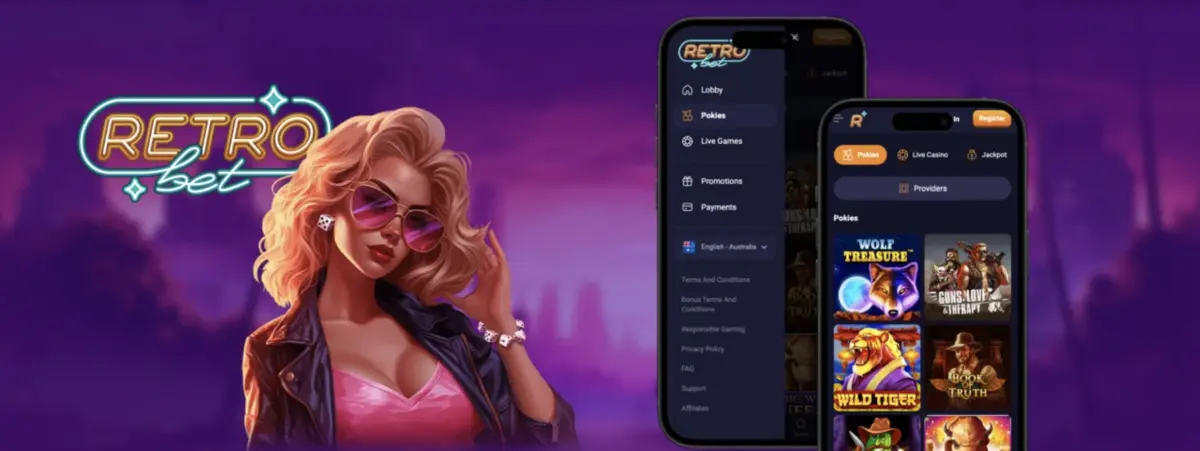
Retrobet9’s mobile casino in Australia loads in Safari or Chrome. No app store trip, no download, and the AUD balance matches what you’d see on a laptop.
Open Retrobet9 on a phone and the main menu collapses to a corner icon. The lobby becomes a single scrolling column of tiles. Balance stays pinned up top; tap it and the cashier slides in from the bottom. Learn that cashier path once so deposits and withdrawals don’t interrupt a run of spins.
Most newer pokies stay in portrait, spin button sitting right where your thumb rests. Older titles and live tables want landscape, so flip the phone when the game prompts you. Portrait suits one-handed play on a commute; landscape needs two hands and a stable grip—skip it if you’re standing or walking.
A call, a text, or a dropped signal won’t burn a round. Results sit on the server and show up again when you reopen the game from the Retrobet 9 lobby. If the signal drops mid-spin, close and reopen from the lobby instead of mashing refresh; the settled result is already stored.
Comfort on a phone isn’t even across the catalogue. Orientation, one-handed reach, and how hard each title hits your data all shift from game to game. Use the table below as a quick filter: pick portrait + one-hand titles when you need speed and a free thumb; treat small buttons and lag-sensitive cash-outs as risk points to set up before you bet.
| Game | Orientation | One Hand? | Mobile Tip |
|---|---|---|---|
| Classic pokies | Portrait | Yes | Big symbols, fine on any screen size |
| Modern video pokies | Portrait or landscape | Mostly | Check the bet after reloading; small buttons invite mis-taps |
| Crash games | Portrait | Yes | Set auto cash-out so a laggy tap doesn’t cost you |
| RNG blackjack | Portrait | Yes | Light on data; holds up fine on 4G |
| Live dealer tables | Landscape | No | Needs a video stream, so stay on Wi-Fi and knock the quality down if it stutters |
Pin Retrobet9 to the home screen (Share on iPhone, three-dot menu in Chrome on Android). It opens full screen without browser chrome, so controls stay reachable and you waste less time hunting the address bar mid-session.
Leave Face ID or a PIN switched on. That stops anyone who picks up an unlocked phone from reaching the account or open balance.
Battery saver throttles animations, so reels look choppy. Turn it off before you play, or expect lag on spins and table animations.
Kill autoplay before the phone goes back in your pocket. Otherwise a spin cycle can keep running after you’ve stopped watching the screen.
Mute promo notifications when they keep yanking you back in. Push noise is a common reason short checks turn into unplanned sessions.
Set a session reminder in your Retrobet9 account. Five spare minutes on a phone can easily turn into an hour; the reminder is the practical brake when willpower alone isn’t enough.
PayID is the fastest deposit path on a phone at Retrobet9: type the amount, hop into your banking app, approve with one tap, and you’re back in the lobby in seconds. Use it when you want minimal friction between deciding to play and having funds ready. Crypto works too—hit the copy button for the wallet address instead of selecting it by hand; manual selection is fiddly on a small screen and is where mistyped characters usually creep in.
Verification is easier on mobile than on a laptop. Photograph your licence and a recent bill with the camera, keep all four corners in frame, then upload straight from the gallery. Skip laptop scans unless the phone camera can’t hold focus—mobile capture is the shorter path from document to approved account.
Last updated: October 2026